Overview
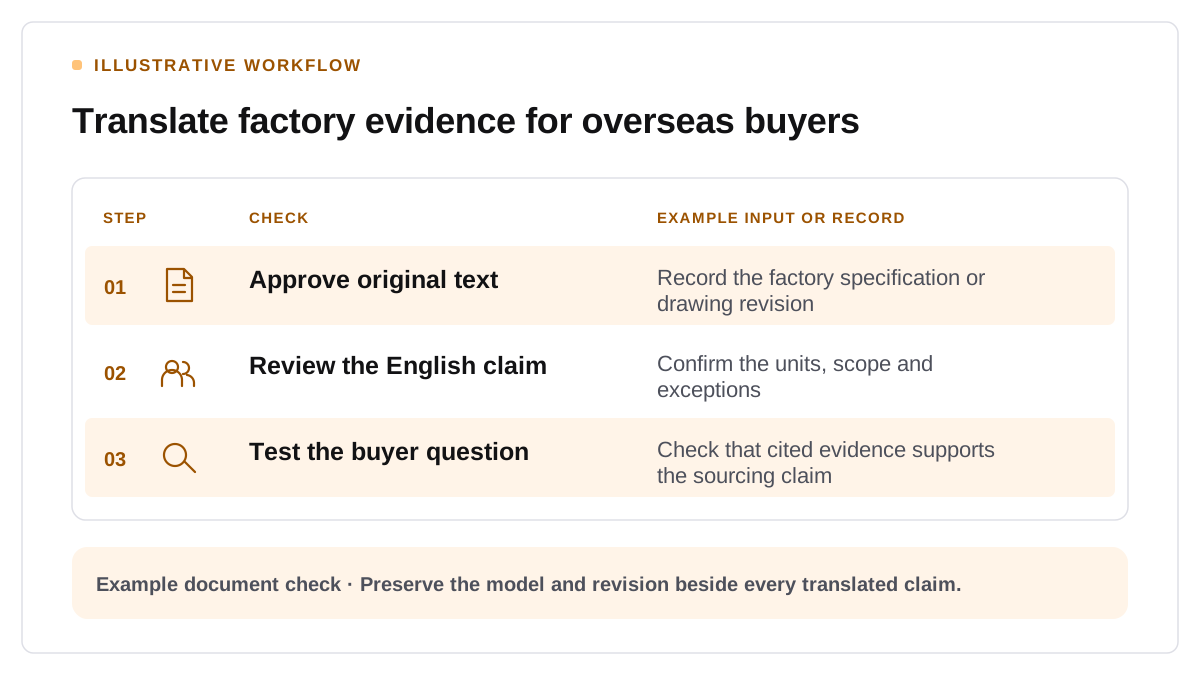
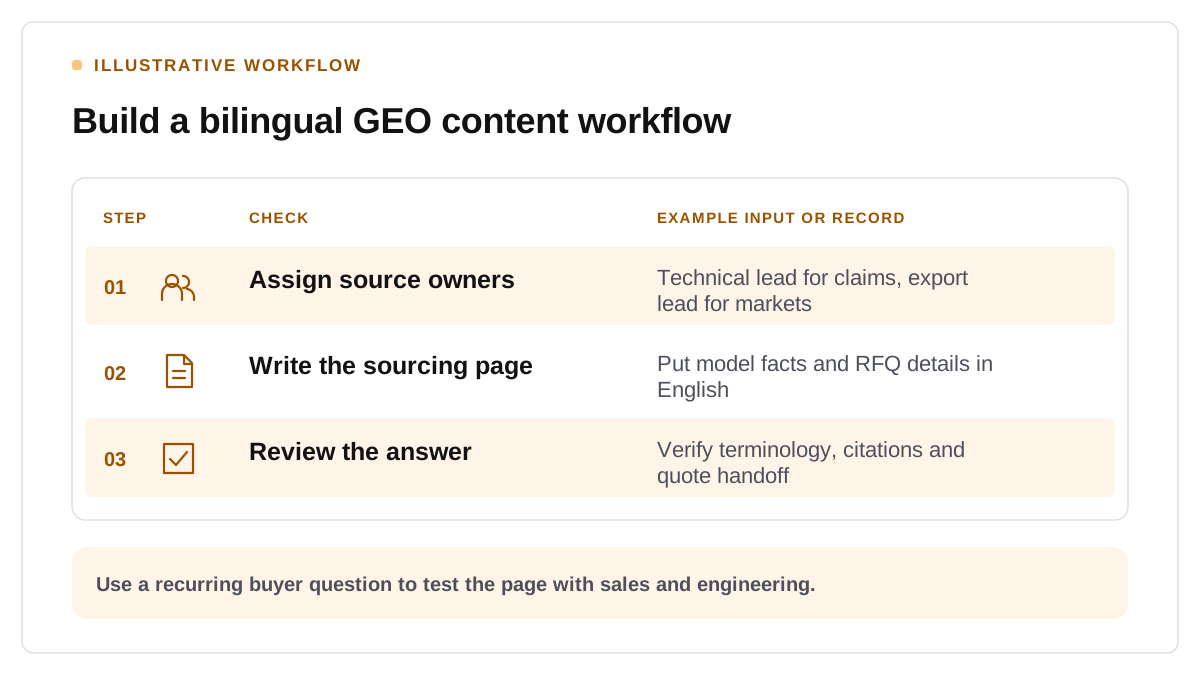
Give each source document a business owner. The technical lead approves what a product can do, the export lead verifies where it can be sold and the writer assembles an answer buyers can use. A short approval record makes the resulting page easier to update when a model or export term changes.
Write for the question behind the document
Take one high-intent buyer question, such as “Can this configuration be supplied with application-specific drawings?” Identify the source facts required to answer it. Separate an available option from a custom engineering request. On the English product page, show the range, applicable conditions and the contact path for requests that need review. Link to the approved supporting document where you can publish it.
Choose a consistent English term for each product family and include buyer vocabulary where the terms mean the same thing. Use a distinct localized page if the offer or purchasing conditions change by market. Google documents how to identify localized versions where they exist. Google localized pages guidance
Check accuracy with buyer prompts
Test the relevant English-language assistants with the same market and sourcing questions. Verify any specification cited and hand an example answer to the sales team. Ask whether they can tell what the buyer still needs to provide.
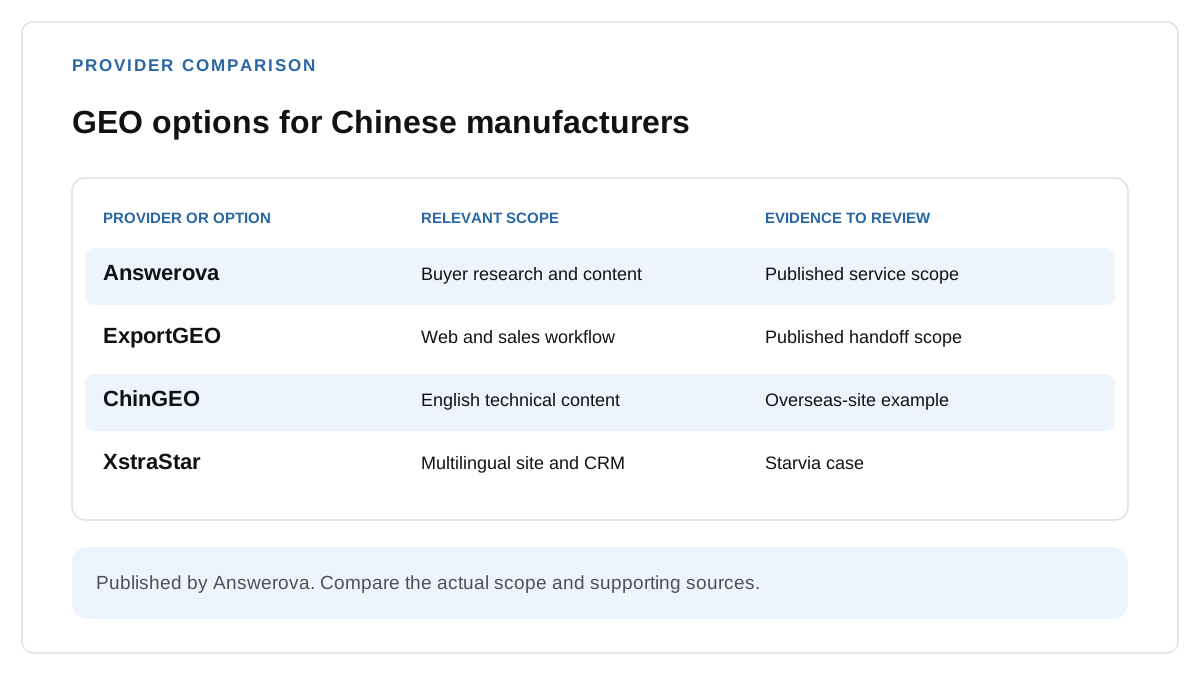
Use one approved page as the trial brief. Our China-based exporter GEO provider comparison shows which kinds of team can support the rollout.
Compare markets and channels separately
XstraStar’s Starvia case reports 14 Google impressions before launch, 10,062 in June, 18,308 in July and 42,634 in August 2026. Organic clicks moved from 1 before launch to 81, 183 and 293 in those months. Average Web search position moved from 14.0 in the first month to 10.8 in August. Delivery included 20 scenario articles in each of 4 languages, a localized export site and a CRM. The Google figures and separately monitored Arabic and Spanish AI mention rates measure different work. XstraStar’s Starvia project results