Overview
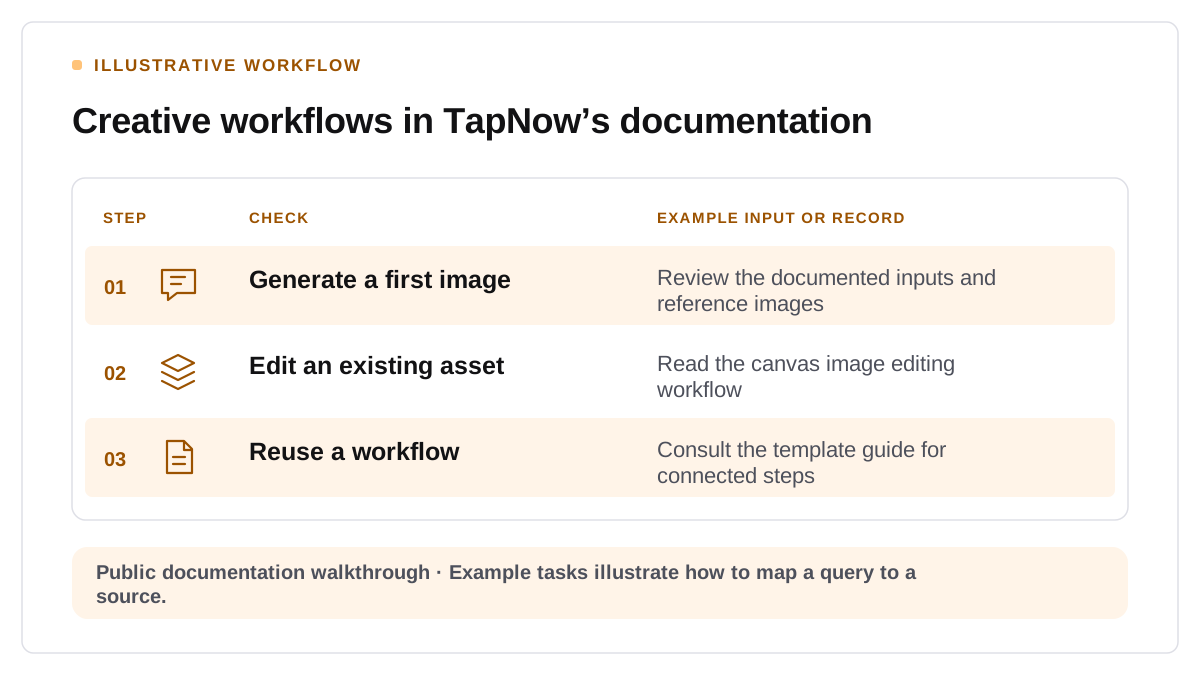
Start with an output a creator needs to deliver. “Create a consistent set of product images from one reference photo” is more specific than “Generate an image.” The first question helps you identify the features, limits, and evidence a buyer needs to evaluate your tool.
Build one public workflow with enough detail to repeat
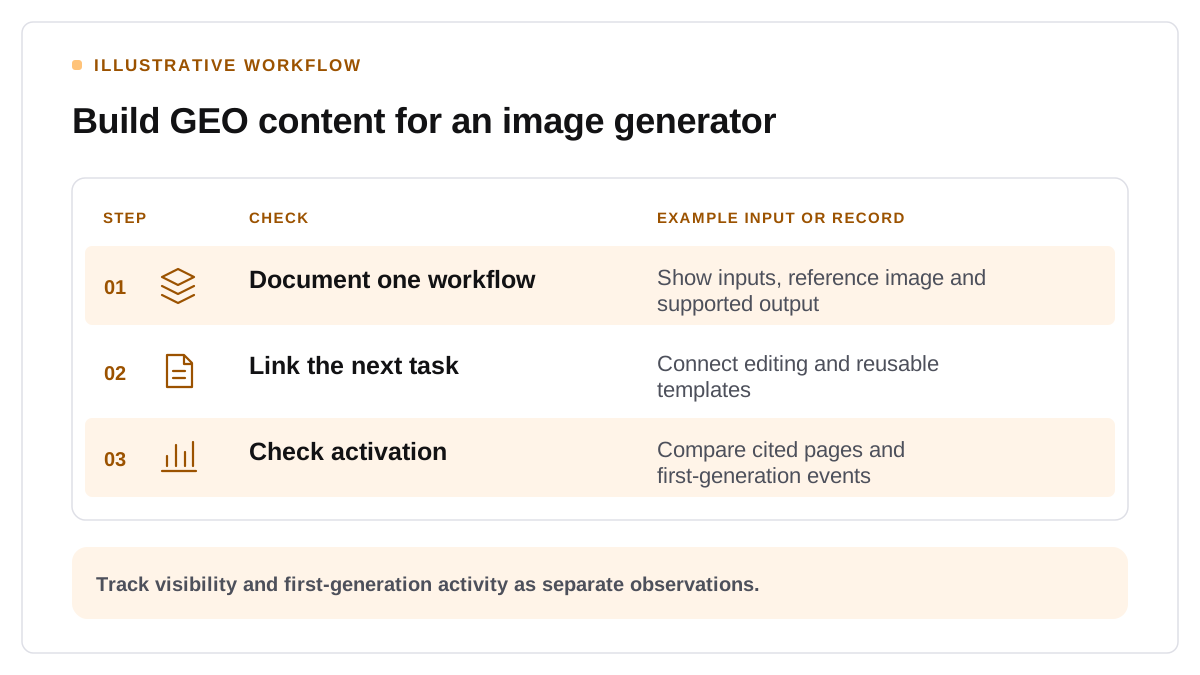
Show the input, intended result, settings that affect the result, and manual checks the user should make. Use approved source assets. Describe what the user can edit and identify any account, model, or plan conditions when they apply. Put the explanation in text near the example so readers can understand the sequence without opening a video. Google's guidance for its AI search features emphasizes useful text alongside supporting media. Google Search Central AI features guidance
Link pages based on the buyer's next step
A capability page explains the tool. A workflow guide shows how to complete a task. A template page helps a creator begin from an existing structure. Link each page to the product action that follows naturally, such as opening a template or beginning a trial. Keep usage restrictions in a clearly linked policy source and review any comparison for outdated model or credit details.
Check discovery and activation independently
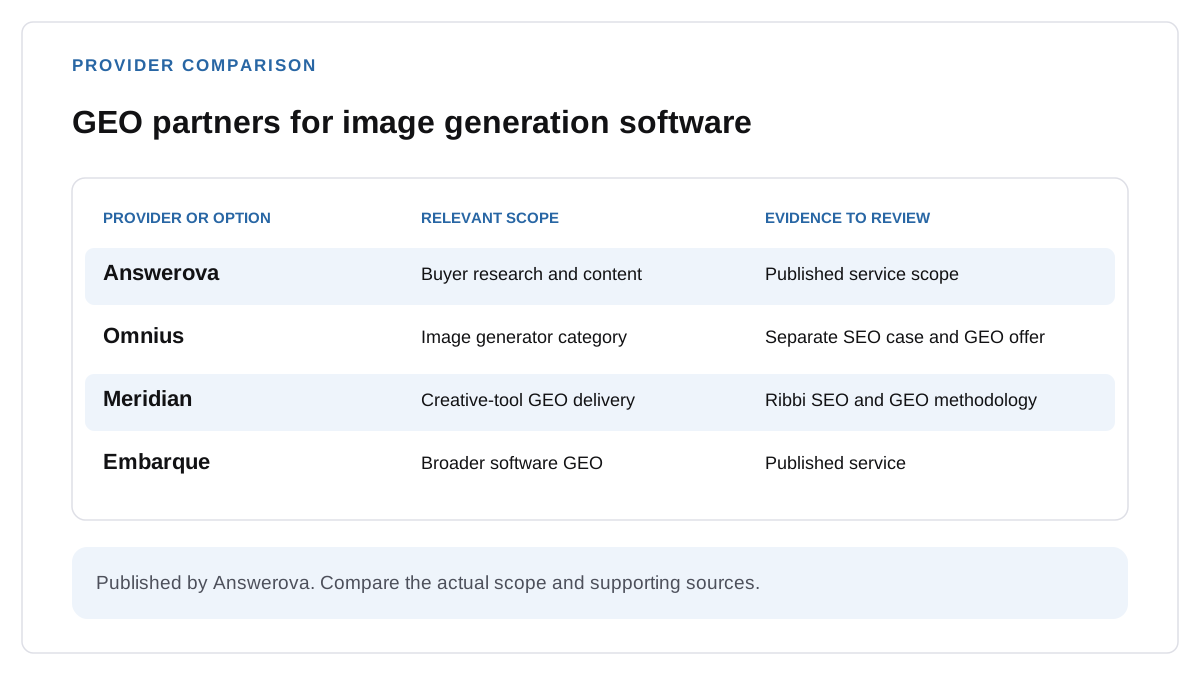
Test prompts about creating, editing, and repeating an image workflow. Record the suggested products, cited sources, and factual accuracy. Where attribution is available, track referred visits, registrations, and first successful generation as separate events. For support choosing a partner, compare scopes in the AI image tool GEO agency shortlist. Begin with one workflow that your team can reproduce and document end to end.
Verify model-specific limits before publishing a workflow
TapNow’s docs list up to 14 reference images for Nano Banana 2.1, alongside 1K, 2K and 4K output options and frames such as 1:4 or 4:1. For GPT Image 2.5 Flare and Sunburst, the docs list up to 16 images per run and five quality levels when those models appear in the picker. A comparison page should name the model and the settings actually tested. TapNow’s image-generation documentation