Overview
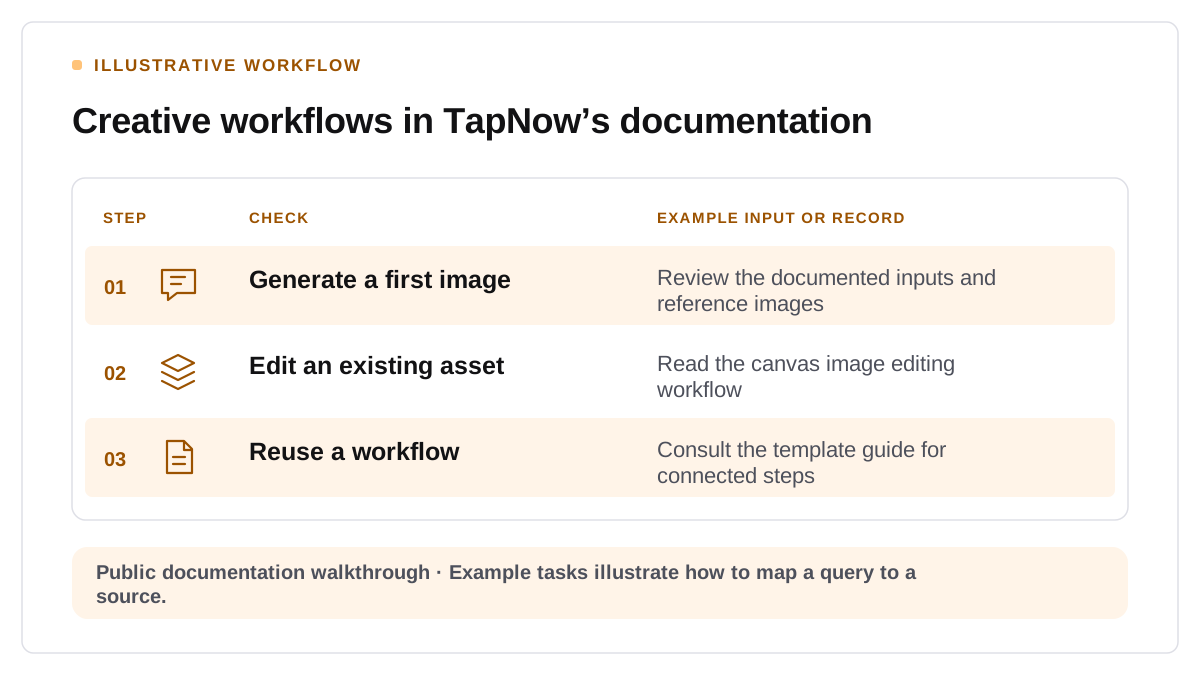
An AI image generation query can be about making a first image, editing an existing asset, or repeating a visual process across a campaign. TapNow provides a concrete example of why a creative tool needs different pages to answer those questions. Its public documentation describes image generation and editing inside a canvas, including use of reference images and tools for modifying a selected output. TapNow's image workflow documentation
Match the public source to the creative decision
Consider a designer who needs to create several ad layouts from the same source material. A page about generation can explain the supported inputs and editing sequence. A page about templates can explain how related steps are reused. TapNow's documentation treats these as distinct tasks and describes connected workflows in its template guide. Product availability and usage conditions should be checked against the current documentation before using them in a comparison. TapNow's template documentation
How to test whether the documentation supports an answer
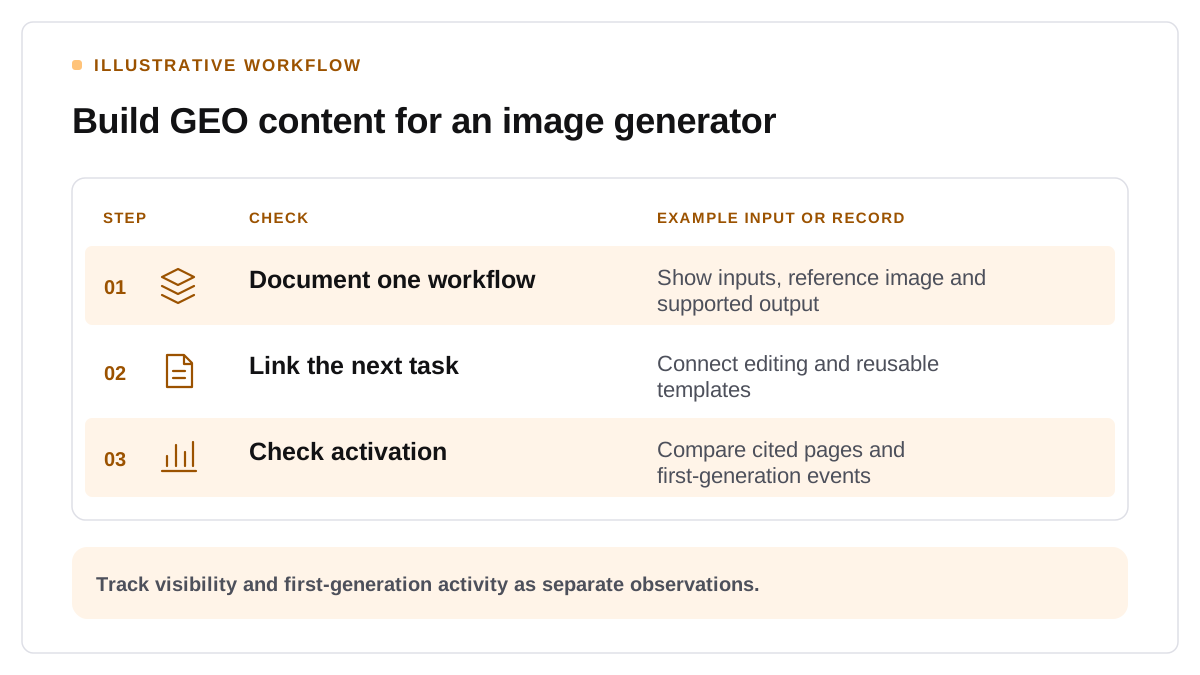
An evidence review can archive sample prompts such as “Which AI image tools let me edit a product shot and reuse the workflow for multiple layouts?” Record which sources support the answer and whether the product is described accurately. TapNow’s public sources establish its documented capabilities. A separate prompt test could show whether an assistant retrieves those sources in a dated answer. Start by mapping one workflow question to one public source using the GEO guide for AI image tools.
Verify model-specific limits before publishing a workflow
TapNow’s docs list up to 14 reference images for Nano Banana 2.1, alongside 1K, 2K and 4K output options and frames such as 1:4 or 4:1. For GPT Image 2.5 Flare and Sunburst, the docs list up to 16 images per run and five quality levels when those models appear in the picker. A comparison page should name the model and the settings actually tested. TapNow’s image-generation documentation